Tutorial
How the loyalty app works
Everything you need to start rewarding customers with Socios. Simple for businesses, even simpler for customers.

Simple for everyone
In under 5 seconds, your customer earns loyalty.
For businesses — Socios Plus
Run your loyalty programme from Socios Plus, the app for businesses.
- 01
Download Socios Plus
Available on the App Store and Google Play. Install it on your smartphone in seconds; it is designed to be used at the counter.
- 02
Create your business account
Sign up with your email and add your business details: name, sector, logo and address. Done in under 3 minutes.
- 03
Design your promotion
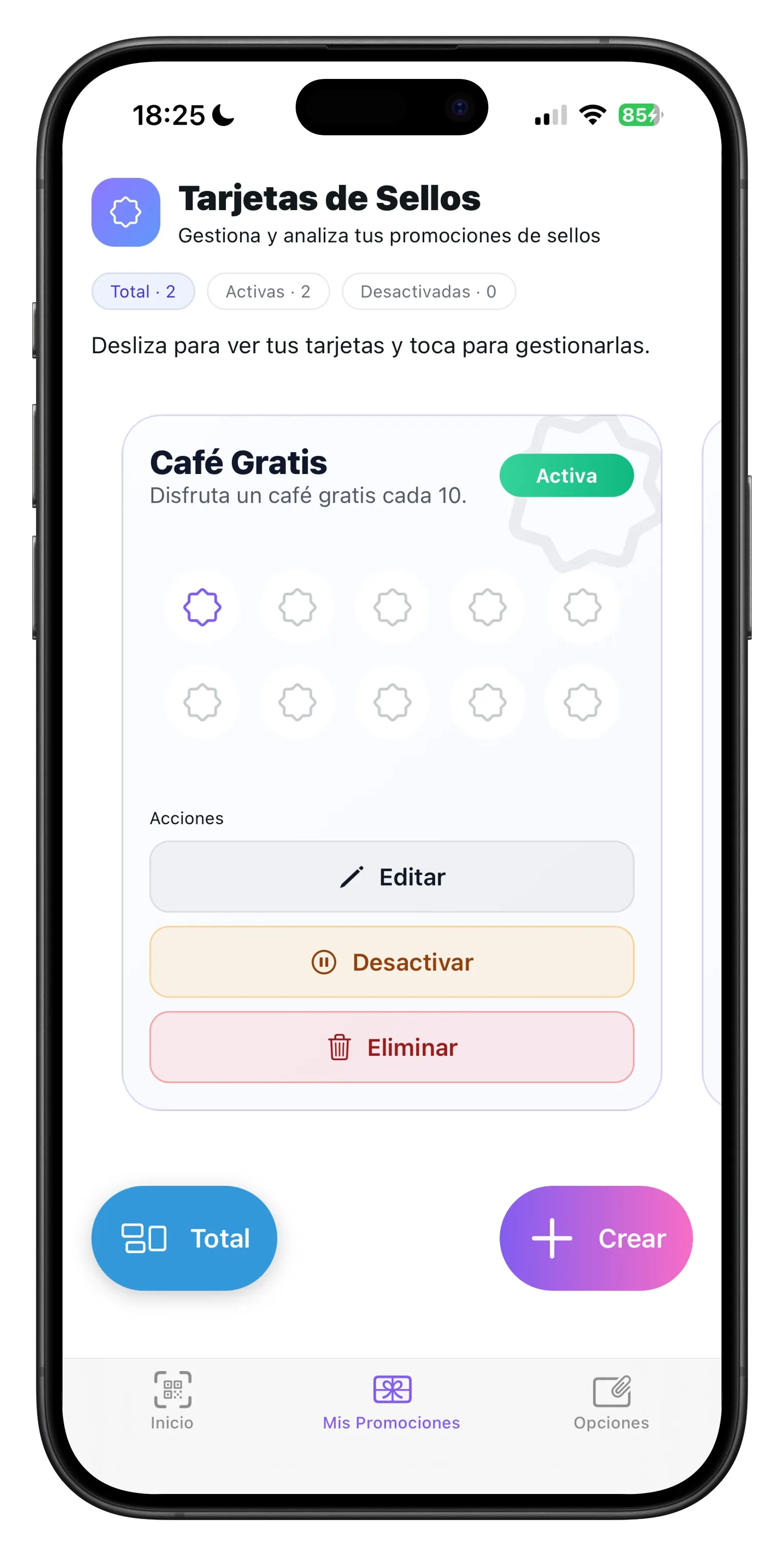
Choose a stamp card ("5 visits = 1 coffee") or points ("€1 = 1 point"). Set the rules and reward your way.
- 04
Set up rewards
Discounts, free products, special services. You can have several rewards with different thresholds.
- 05
Share your QR code
Socios generates a QR for your business. Put it on the counter, the door or share it on social media so customers can find you.
- 06
Scan every customer
When a customer buys, scan their personal QR and the stamps or points are added. It takes under 5 seconds.
Analytics included
- Active customers per period
- Visit frequency
- Reward redemption rate
- Customer segmentation


Choose your tool
Which kind of loyalty fits your business?
For customers — Socios app
Download the free app and start collecting at every business in the network.
- 1
Download the Socios app
Free on the App Store and Google Play. No fees or subscriptions for customers.
- 2
Sign up in seconds
Create your account with email or Google. You get your personal QR instantly.
- 3
Show your QR and collect
Show your QR at every purchase. Stamps or points are added automatically.

Free forever
Download the Socios app and start earning rewards today
Ready to get started?
Businesses: 14 days free. Customers: always free.